by Yiming Li
//:For the previous work, please check here
This project serves as a follow-up to the group assignment in Part 1. Building on the findings from the previous section, my group members and I will continue to refine this project until it reaches the demonstration stage. In this learning journal, I will focus on my individual contributions to the project.
Following the initial workshops and group tutorials, my team members and I unanimously decided to radically streamline the project itself. However, in my view, ‘streamlining’ here is not meant pejoratively; rather, given certain objective factors, it represents the optimal solution we could identify if we were to refine the entire project as much as possible.
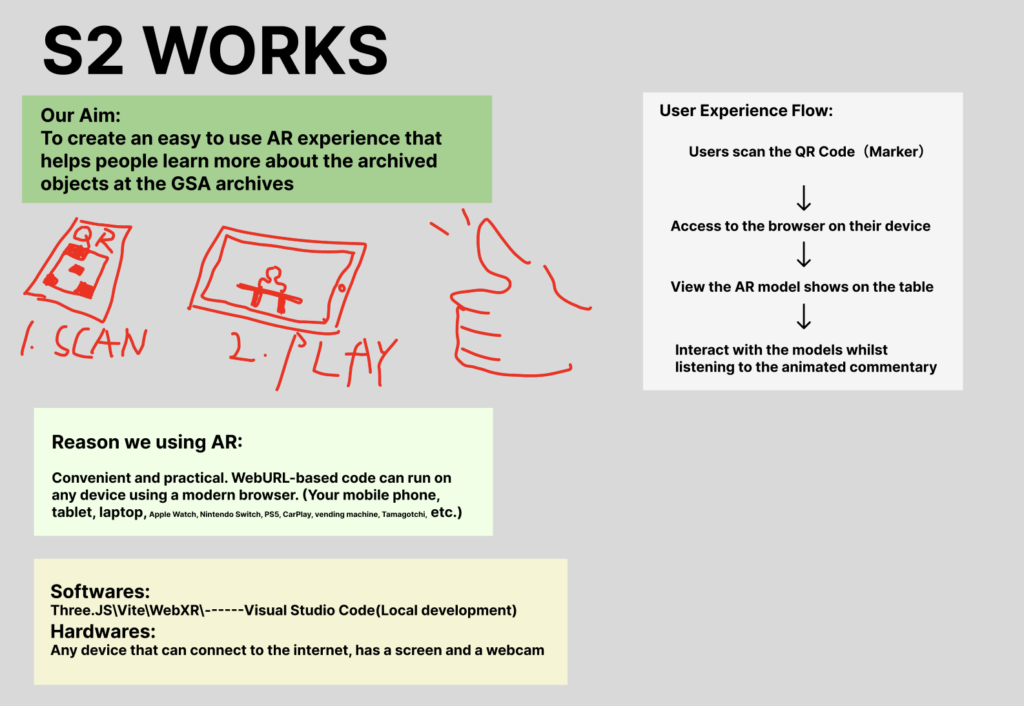
Based on the materials and information at our disposal, we have reviewed the original proposal. For us, the second phase of the project will focus on two key areas: how to bring the work up to presentation standard, and how to structure and deliver client presentations. We have re-evaluated the original objectives and target audience, and following a series of discussions, have made more appropriate adjustments to both. In short, we have revised the primary objective from the previous “to create an edutainment interactive game for children using VR technology and existing 3D scan models” to “to create an easy-to-use AR experience that helps people learn more about the archived objects at the GSA archives”.
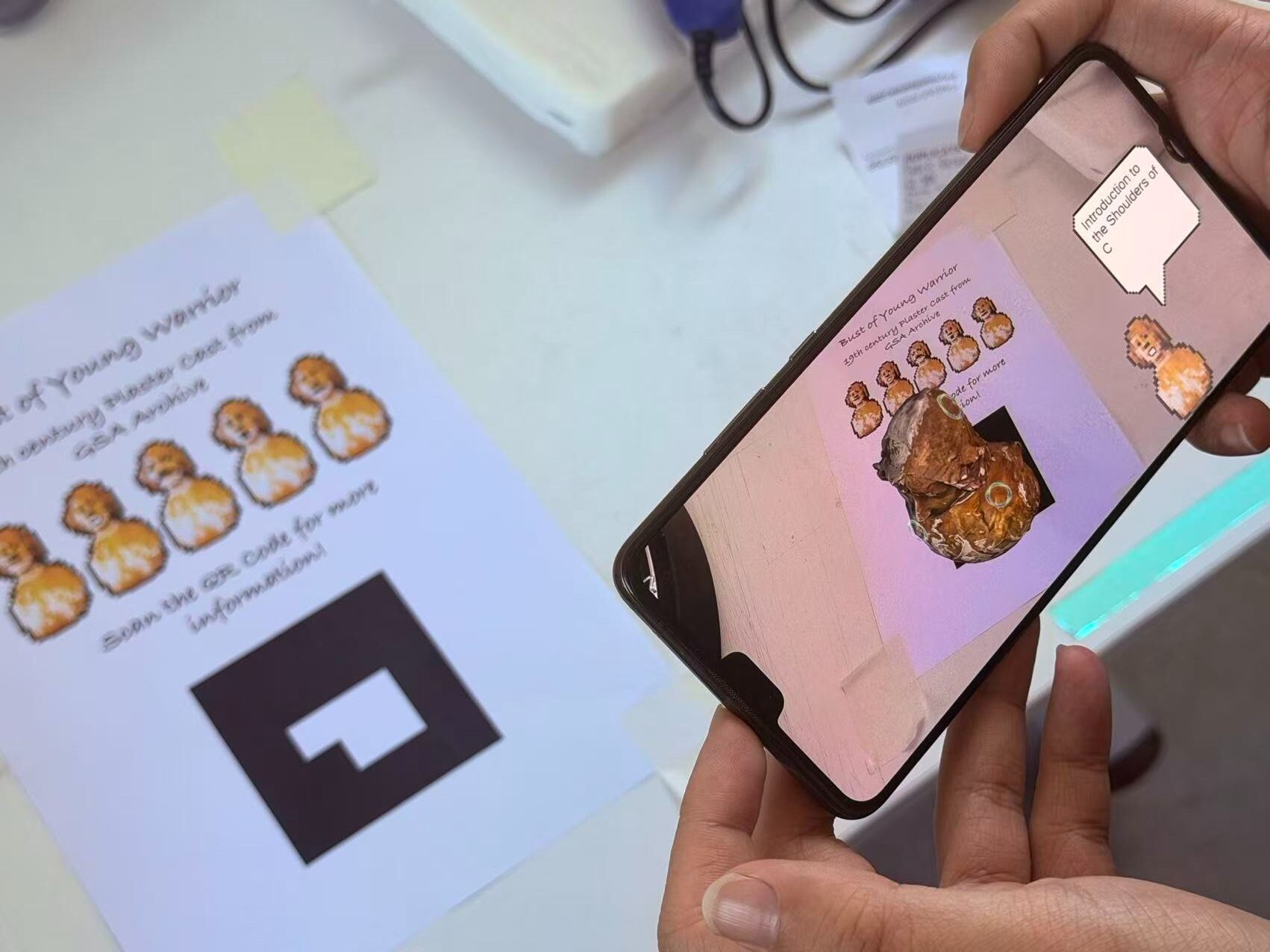
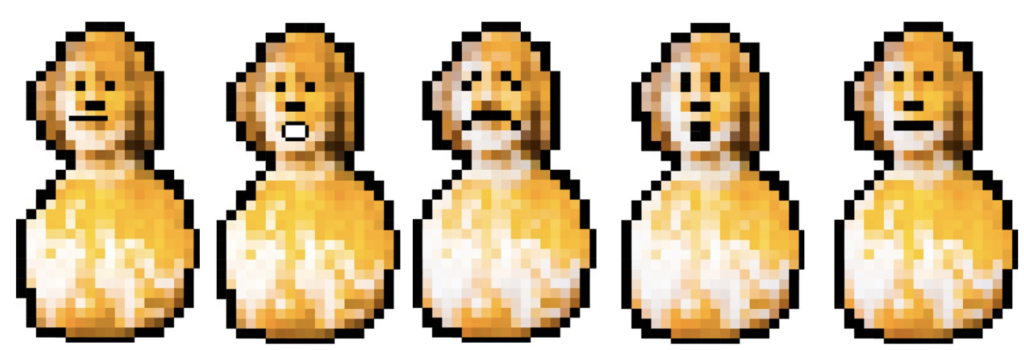
Let’s consider this from a slightly more commercial perspective. We believe that, compared to the previous project, the new one has a broader range of applications, appeals to a wider audience, and is more portable and practical. Unlike VR, a Web XR-based AR project is not constrained by location or equipment; it can be activated and viewed anytime, anywhere on mobile phones, tablets, or any internet-connected device running a modern browser. All we need to do is place a QR code (which serves both as a QR code and as a beacon for the AR scene) on a flat table, allowing visitors to view and experience it at their leisure in a much more relaxed manner. Similarly, we believe this technology has extremely broad applicability and could, in theory, be applied to all items in the GSA Archive. I am aware that some other art galleries and museums have posted 3D-scanned models of their collections online, but this is entirely different from an on-site AR experience. Furthermore, we can incorporate more engaging interactions into the AR scenes, such as a guided animated character that appears as a miniature version of the statue itself. This character could act as a narrator, enabling visitors to learn about the artefact whilst enjoying an interactive experience.
As always, before we begin, I have provided a more streamlined version of the model file. The polygon count has been reduced and the texture resolution kept within 1920×1080, ensuring that the total file size does not exceed 10 MB, making it compatible with all online editors.
During the first week, we made some initial attempts. For me, the AR project was a challenge, as I had never come across this technology during my studies over the past few years. Fortunately, however, the technology is now very mature and widely adopted, so the learning curve isn’t too steep. Many of the software tools I have used previously can achieve AR or AR-like effects through various methods and principles. Given the ‘multi-device compatibility’ feature we mentioned earlier, we are more inclined to use online editors such as P5js to create AR mini-programmes through coding.
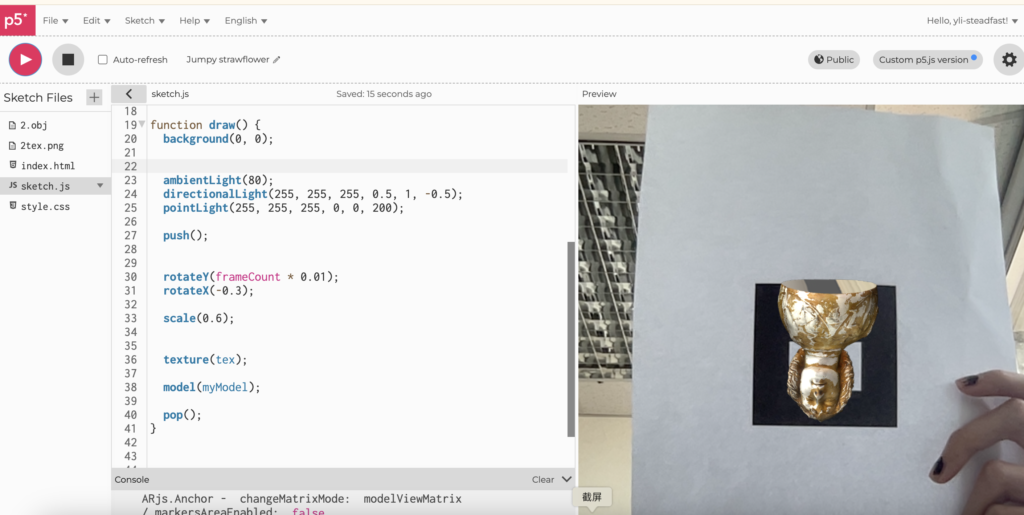
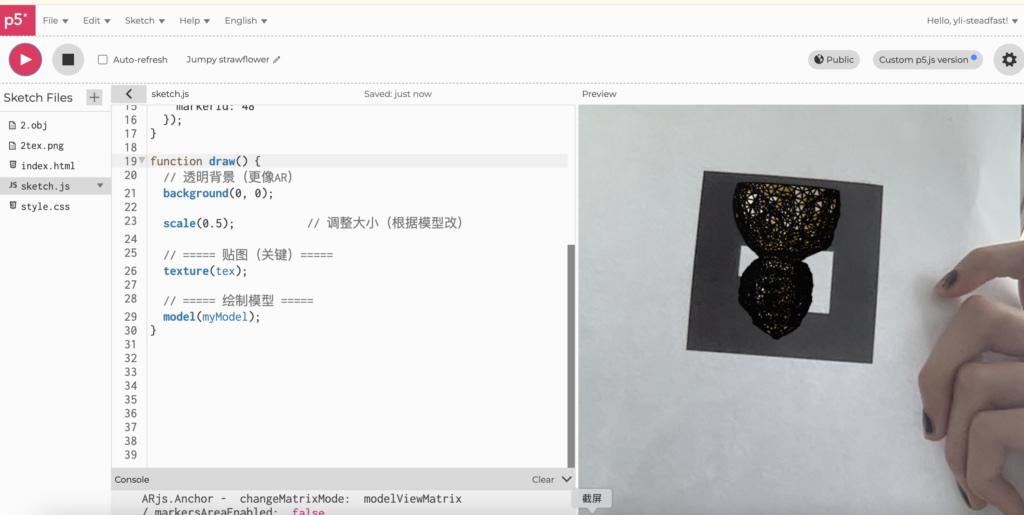
Creating AR in p5js is straightforward, as it comes with the built-in p5.SimpleAR library. It also offers around 50 pre-set QR codes that can be selected directly. However, before moving on to this, I need to optimise the existing models and textures as much as possible, as the web editor limits the maximum file size to 10 MB. The models produced by 3D scanning are highly accurate, but they contain an excessive number of polygons, and the textures are also overly detailed.
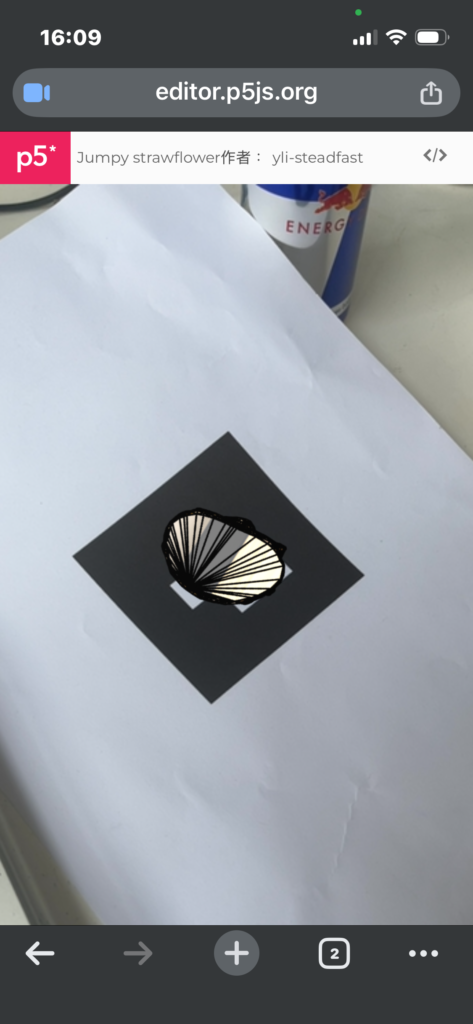
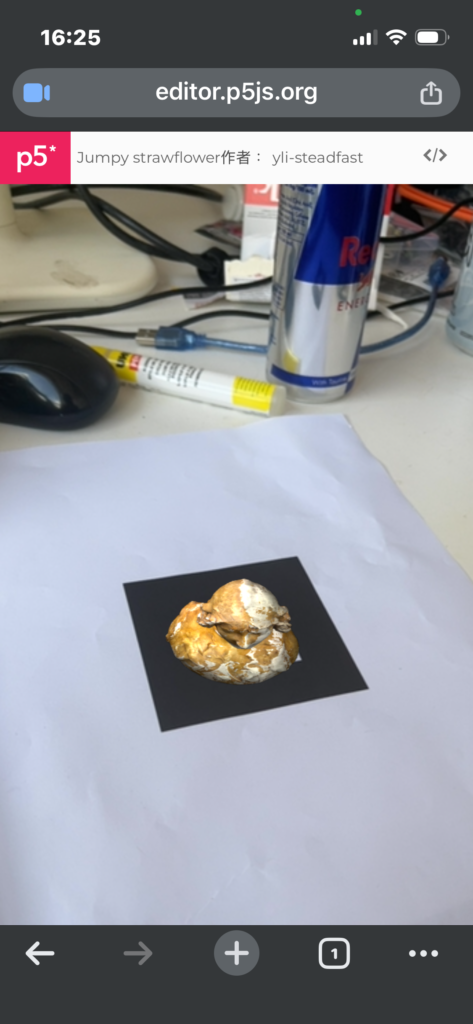
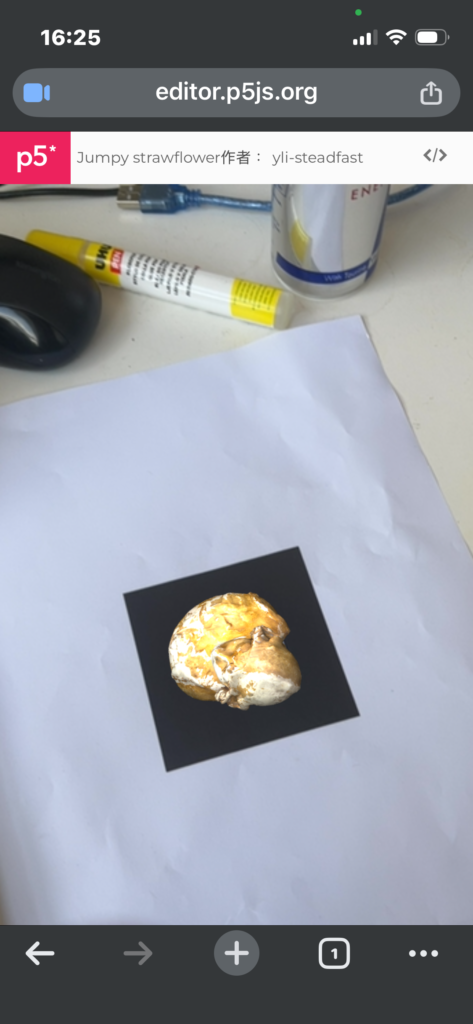
However, once I had uploaded the model, written the code in p5 and run it, the first problem soon arose. The entire model looked ‘too flat’—it resembled a 2D version of a 3D image rather than a three-dimensional object. I tried making numerous adjustments, such as adding light sources from different directions and incorporating some rotational animations, but I eventually realised that this was the limit of P5’s capabilities; it simply couldn’t handle such a 3D scene. Its AR functionality was more akin to ‘image tracking’, so I had a wee talk with my team members, we decided to look for an alternative solution. After all, this is not at all the result we were hoping for.
By the end of the first week, we had outlined the objectives we’d achieved so far and some of our initial plans, and we received some feedback, which gave me plenty of food for thought. However, there are still many issues to be resolved. Fortunately, next week is the spring break, and as I don’t have anything specific to do, I’ve decided to devote as much time as possible over the next two weeks to working on the group project, so that we can clarify our direction.
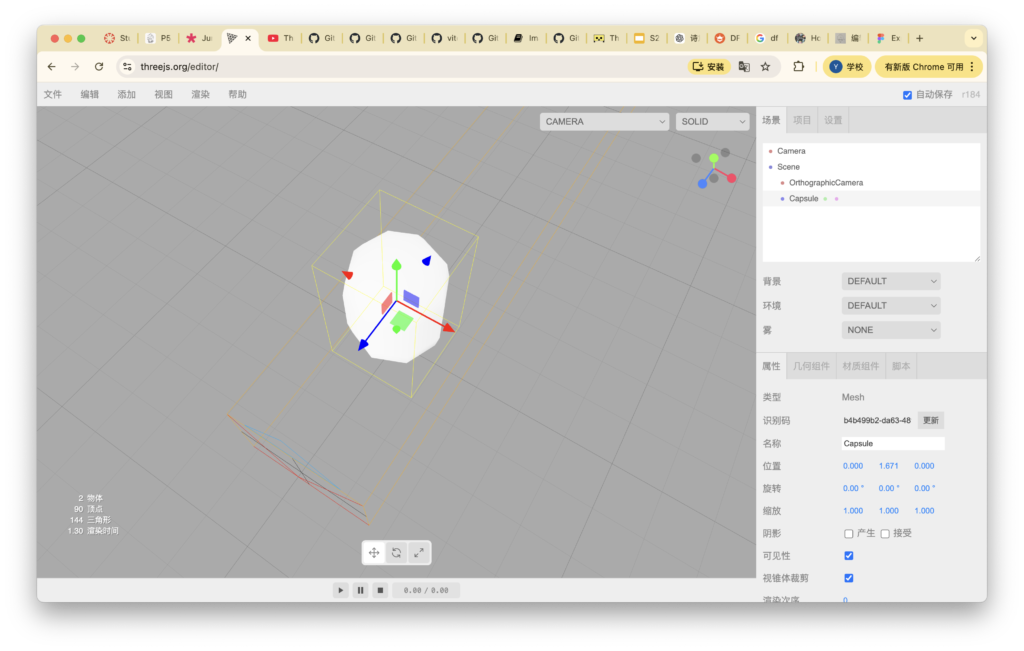
I tried searching online for some existing AR projects to look at their documentation and see what methods they used to achieve the desired results. During a discussion with my supervisor last week, I learnt that three.js is a more suitable development platform for 3D projects than P5js. Coincidentally, through my research, I came across a detailed guide on developing AR projects using three.js and Vite, so I decided to follow this online tutorial to create something myself.
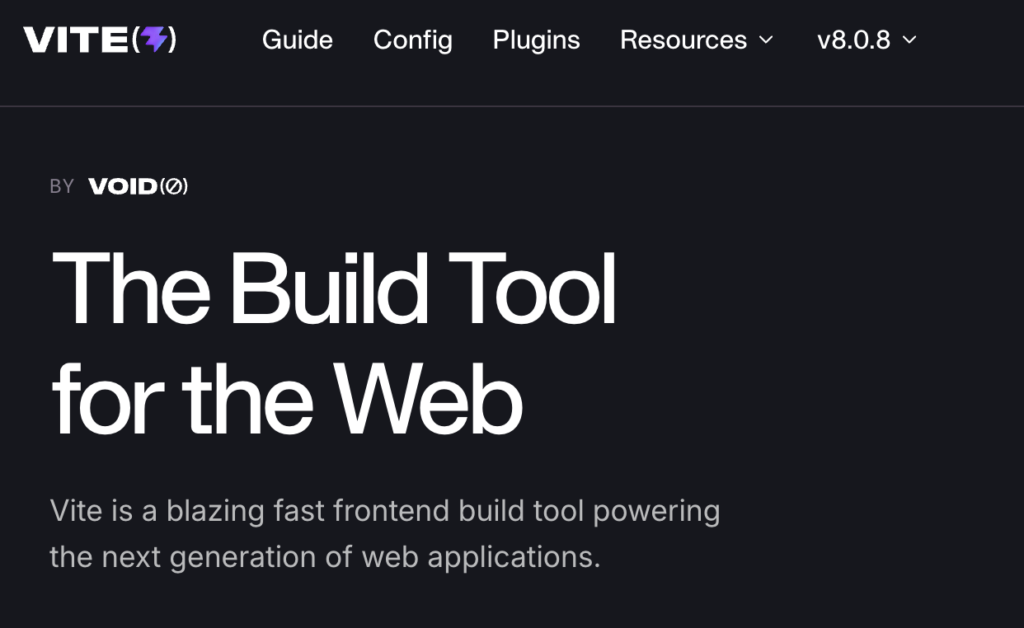
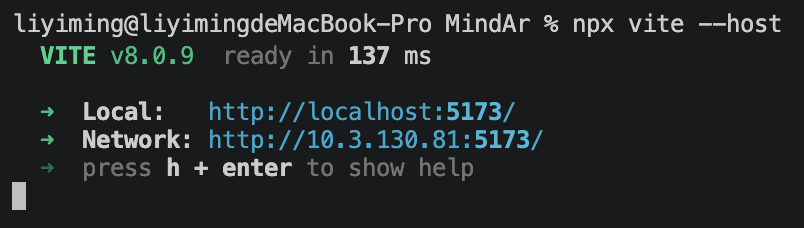
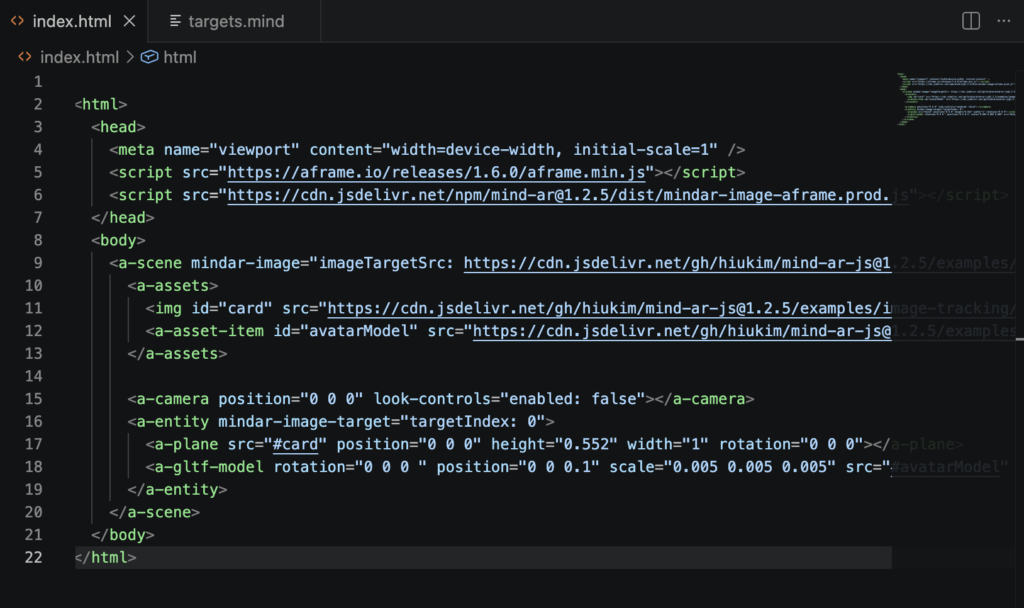
As a front-end development tool, Vite enables users to set up a local development server, making it an excellent choice for developing web pages or front-end applications. Users simply need to open a local address in their browser—such as localhost:5173—to preview and modify their code in real time. This makes it particularly well-suited to the ‘multi-device compatibility’ we are aiming to achieve. As part of this experiment, I have written some code in Visual Studio Code and installed the Vite and Three.js extensions.
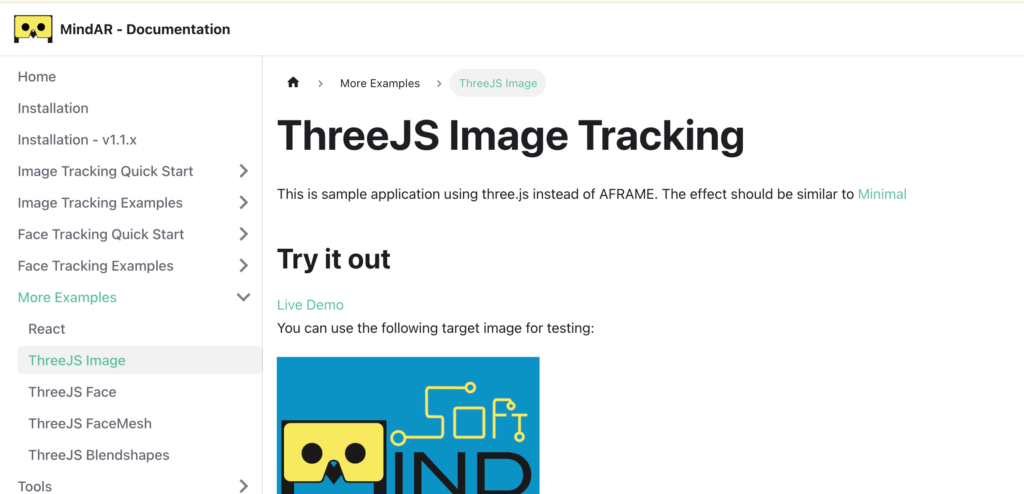
However, there are not many online tutorials or detailed project logs available for the methods mentioned above, which has posed a certain obstacle to my self-study. Fortunately, I have come across tools such as Vite, which are practical for web development; this has given me ideas for integrating it with other approaches in the future.
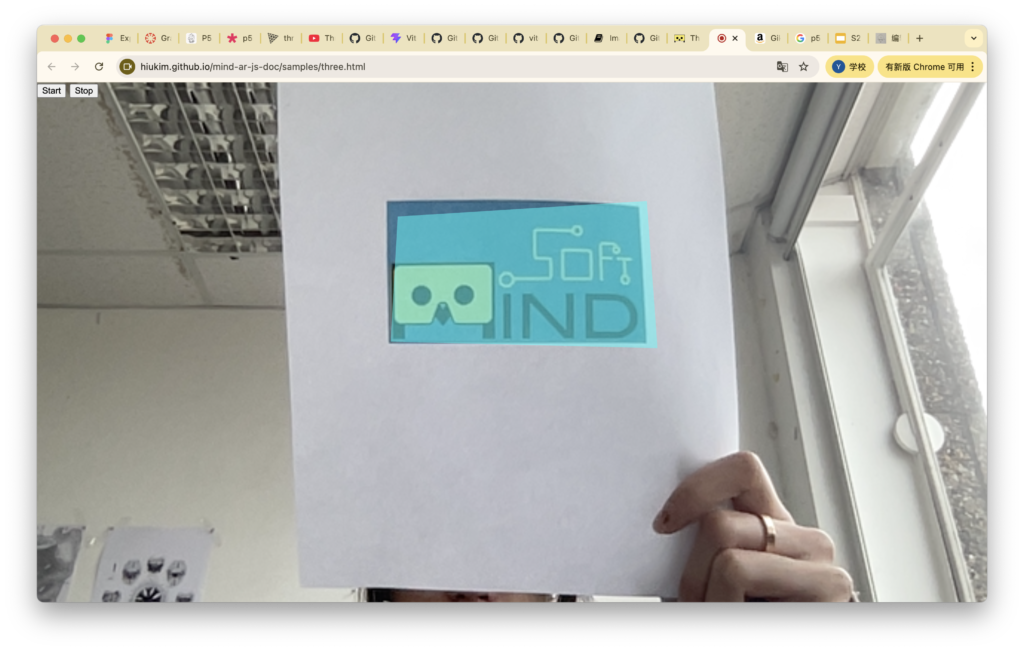
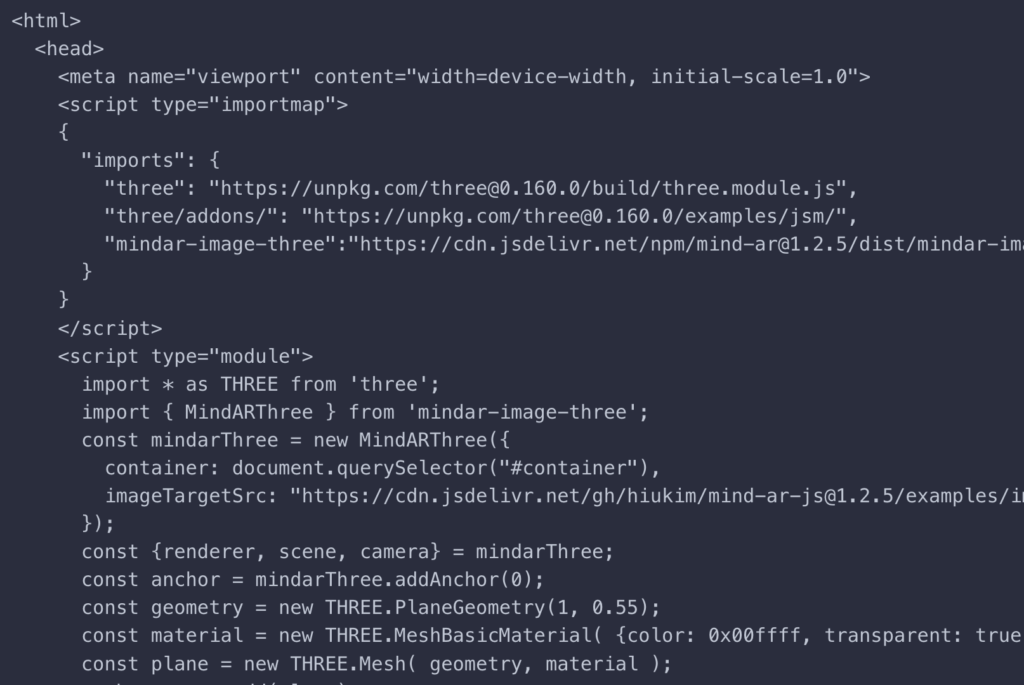

I’ve discovered another method for building AR environments online. It’s an AR web application based on AFrame and MindAR. AFrame is essentially a front-end framework specifically designed for creating AR or 3D scenes; it allows me to write 3D scenes directly in the browser using a syntax similar to HTML. MindAR, on the other hand, is an ‘AR recognition engine’ that uses the camera to recognise the real world (images/faces) and then overlays virtual content, such as 3D models, onto it. It also offers extensive customisation options for markers, providing greater flexibility. One could say the only drawback of this approach is the lack of a suitable platform capable of running the front-end or the project itself; however, Vite, mentioned earlier, perfectly resolves this issue. Therefore, Vite + A-Frame + MindAR equates to a complete Web AR project.
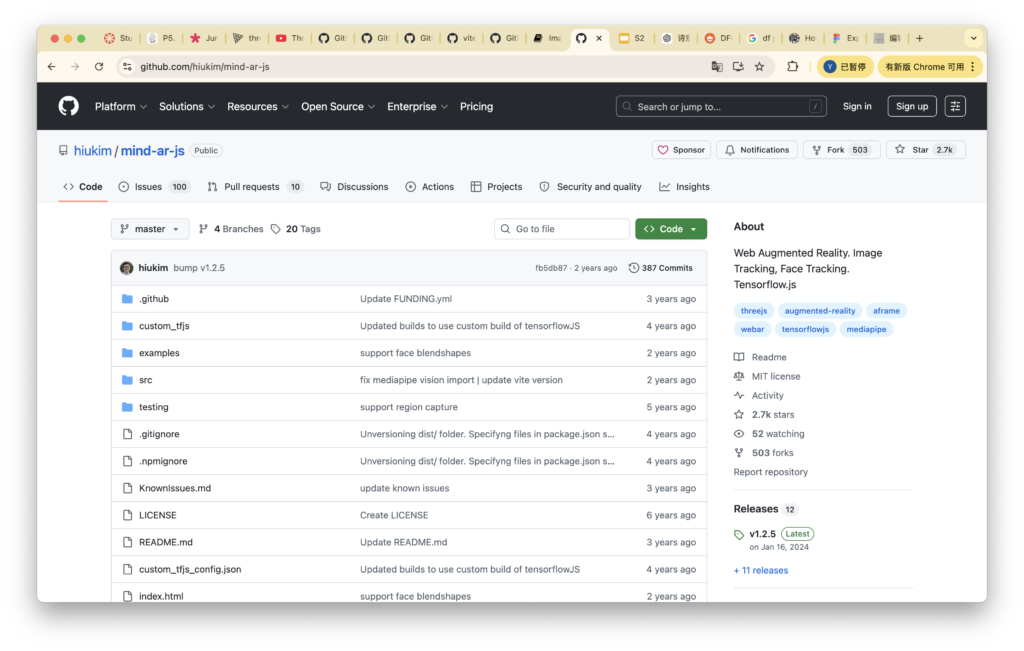
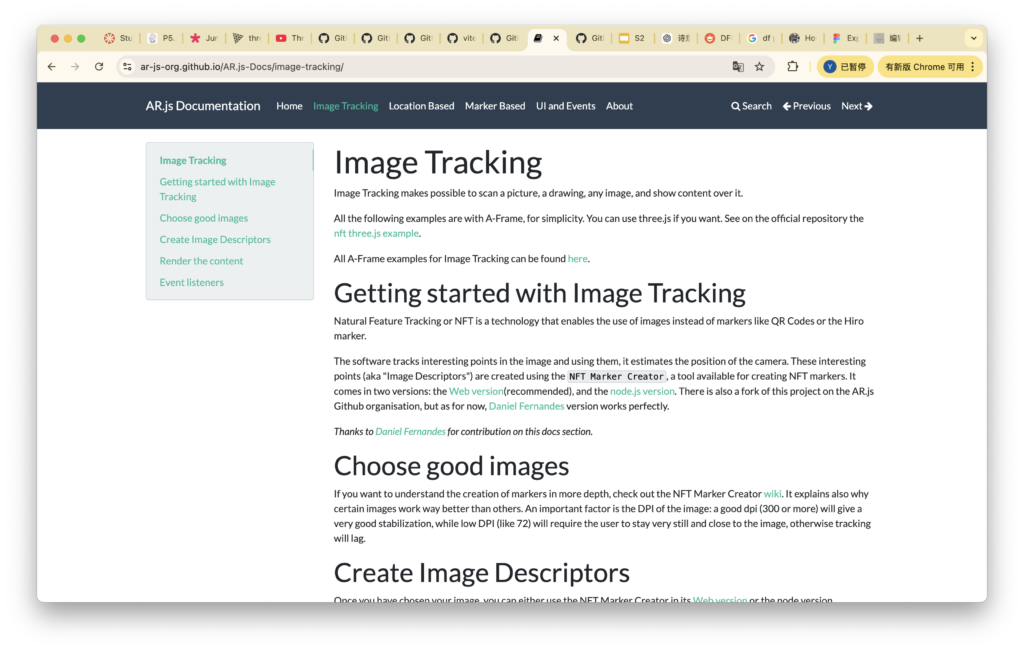
To date, I have been researching the technical aspects of this section. To be honest, they are quite complex, and given the time constraints, I do not believe we will be able to implement them in time for the presentation in the final week. However, my research notes on this section can serve as a crucial component of the proposal, demonstrating the clear technical roadmap we have drawn up to achieve our goal of ‘a convenient and portable AR workflow’.
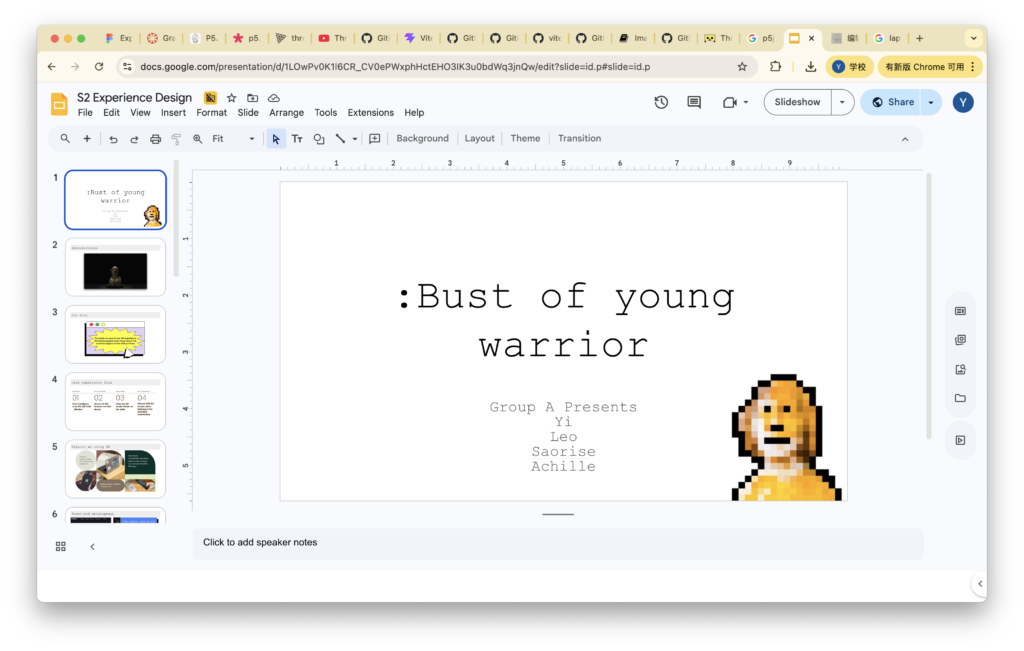
So far, following several meetings with the team members, we have all shared the experiments and research we have carried out to date. We have decided to bring these together and have started thinking about preparing for the presentation. We were asked to structure the entire presentation from as professional and business-oriented a perspective as possible. In my view, this requires a more polished, well-produced presentation video incorporating all the ideas we’ve discussed, as well as some short demos. My team members agreed with this approach, so we have begun working on this.
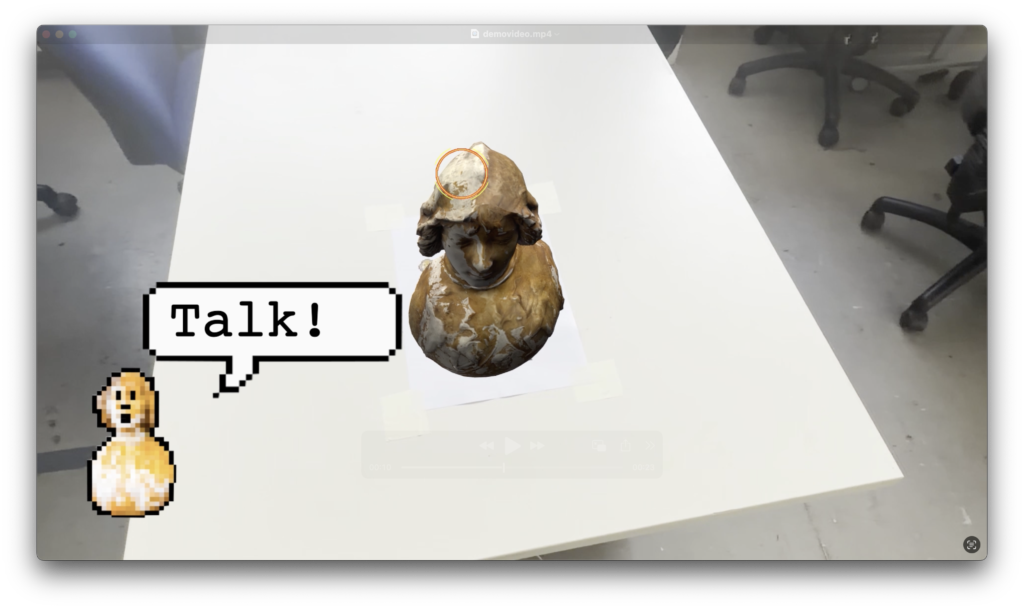
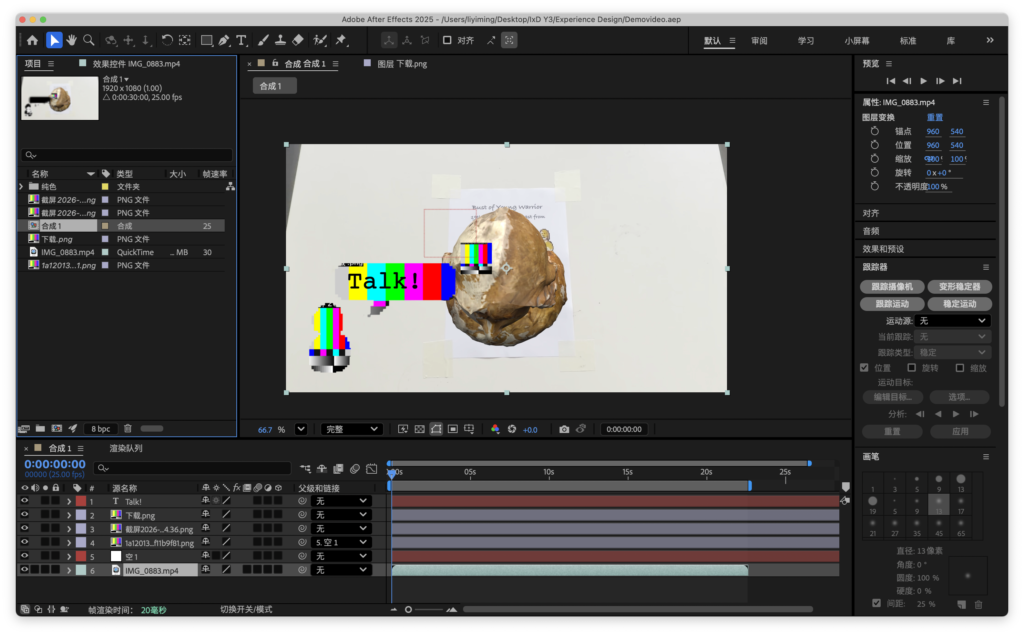
Regarding the demonstration video, I proposed using After Effects compositing. Everyone is familiar with this technique, and it produces superior results. We all agreed that this would be the best way to showcase our project and the visual effects we aim to achieve. We therefore spent some time filming and creating the After Effects composites. I incorporated the elements I mentioned earlier—such as character design and hotspots—into After Effects and composited them together. Of course, I believe the most important aspect of this demo video is that, during the presentation, we can pass the phone displaying the AR project around; those who aren’t currently using the phone can watch our demo video. This is crucial for managing the pace of the presentation.
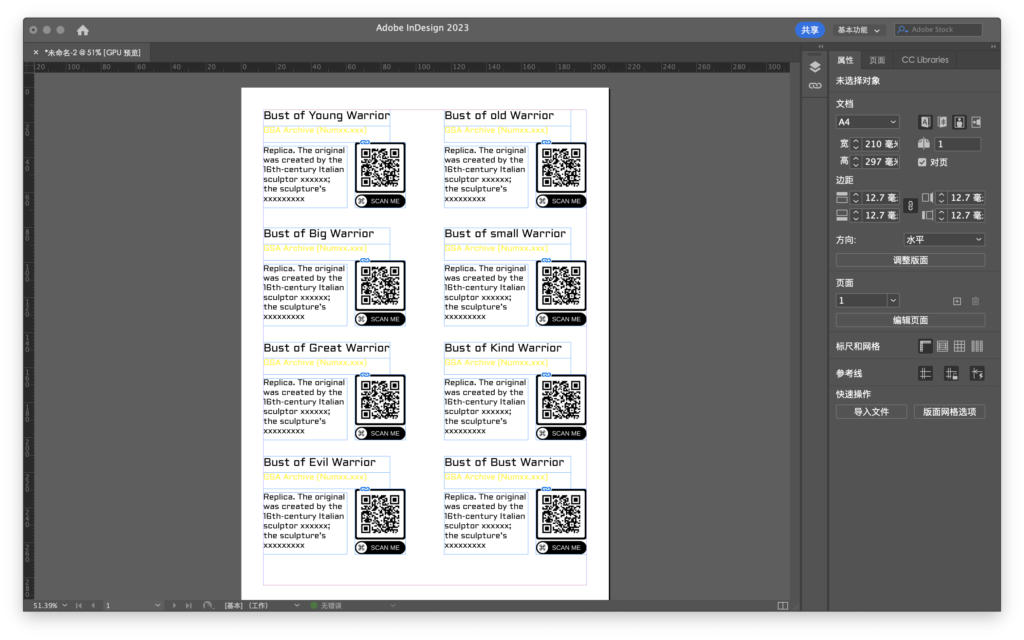
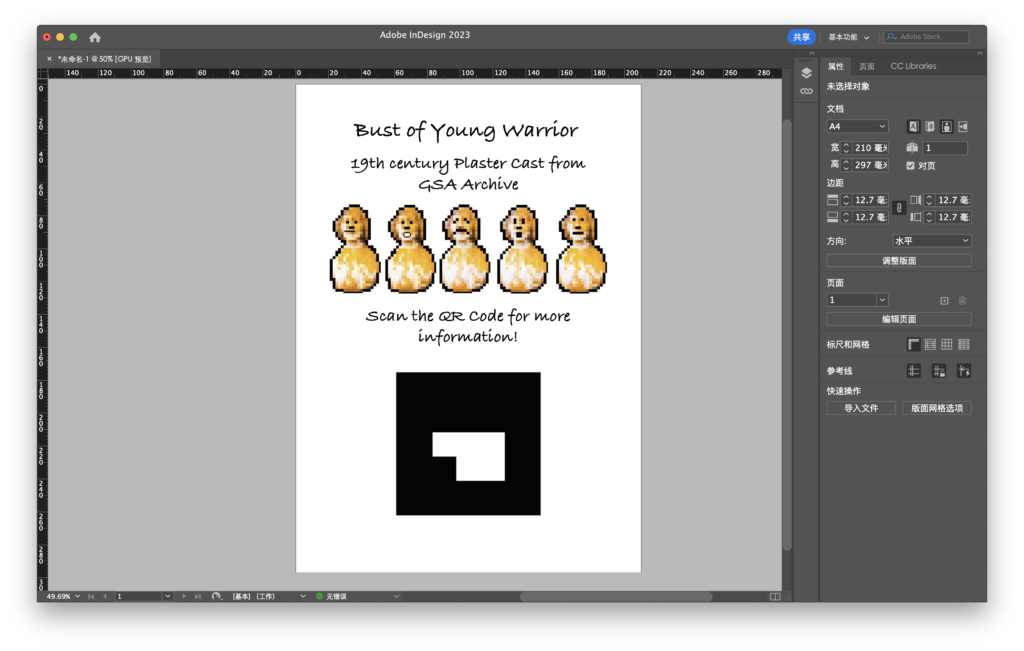
During the final week of the project, I also experimented with creating some ‘highly commercialised designs’, based on our vision for the project’s future. I believe that, given the convenience of AR projects, they should not be confined to a specific venue, but should instead offer visitors an experience they can enjoy anytime, anywhere, whenever they wish. In line with this vision, I produced a small booklet containing the name and description of each artefact, along with its corresponding AR QR code. Archive can sell this booklet or use it as a promotional giveaway. Either way, it has a wide range of potential uses.
Once the final presentation was over, we received a great deal of valuable feedback. This was absolutely crucial for me. Personally, this was the first time I had worked on a business-oriented project as part of a team. I have rehearsed my speech many times on my own, trying to include as many positive points as possible in the section on my part. This has been a valuable experience for me.
Based on this feedback, I have reflected deeply on the matter. I have realised that the overall professionalism of my presentation needs improvement; the points I raised contained too many technical details, whereas clients often focus solely on the final outcome. At the same time, I should have elaborated more on our valuable future plans to ensure clients clearly understood our vision for the project. Returning to the project itself, it remains a fascinating and challenging experience for me. I take great satisfaction in the process of overcoming objective difficulties, striving towards certain goals and continuously refining my approach.